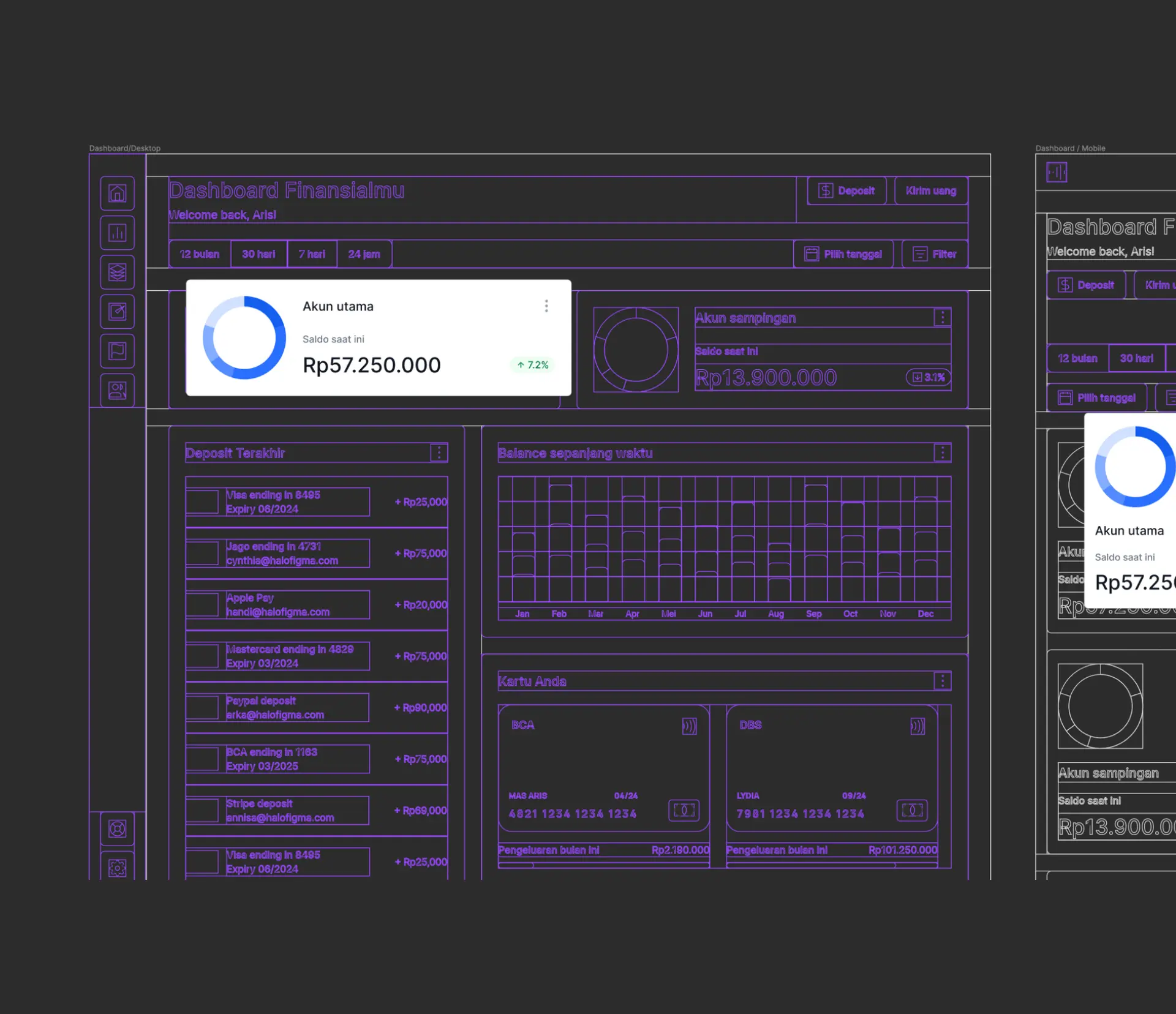
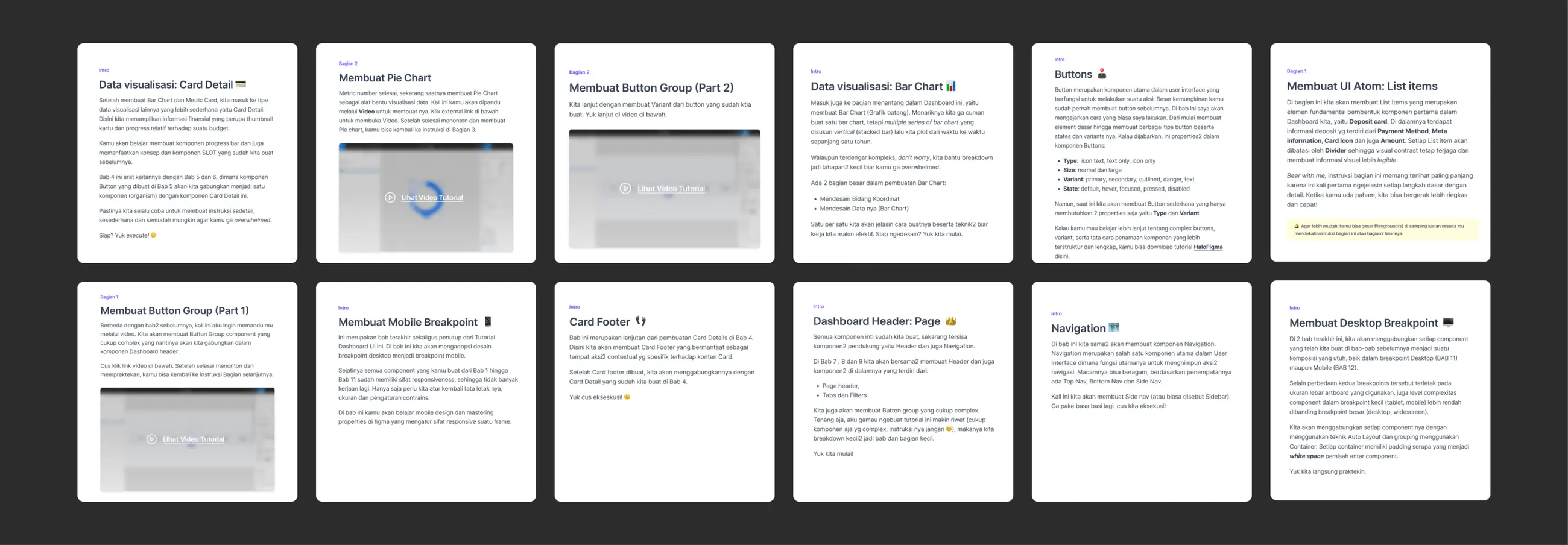
The Tutorial Dashboard UI was created to provide designers, both novice and experienced, with a structured and intuitive interface for learning and mastering dashboard design using Figma.
Tutorial is designed to break down complex design processes into manageable steps, allowing users to build functional and aesthetically pleasing dashboards.
The focus was on creating a user-friendly experience that guides designers through the intricacies of dashboard creation while offering flexibility for customization and experimentation.


The primary goal of the Tutorial Dashboard UI was to create an educational tool that simplifies the learning curve of dashboard design in Figma. We aimed to provide a seamless experience where users could learn by doing, with clear instructions and practical examples guiding them through each step.
A significant challenge was ensuring that the UI was both comprehensive enough for advanced users and approachable for beginners. Additionally, we needed to design a system that was not only visually appealing but also functional, allowing users to understand and replicate professional-level dashboard designs in their projects.


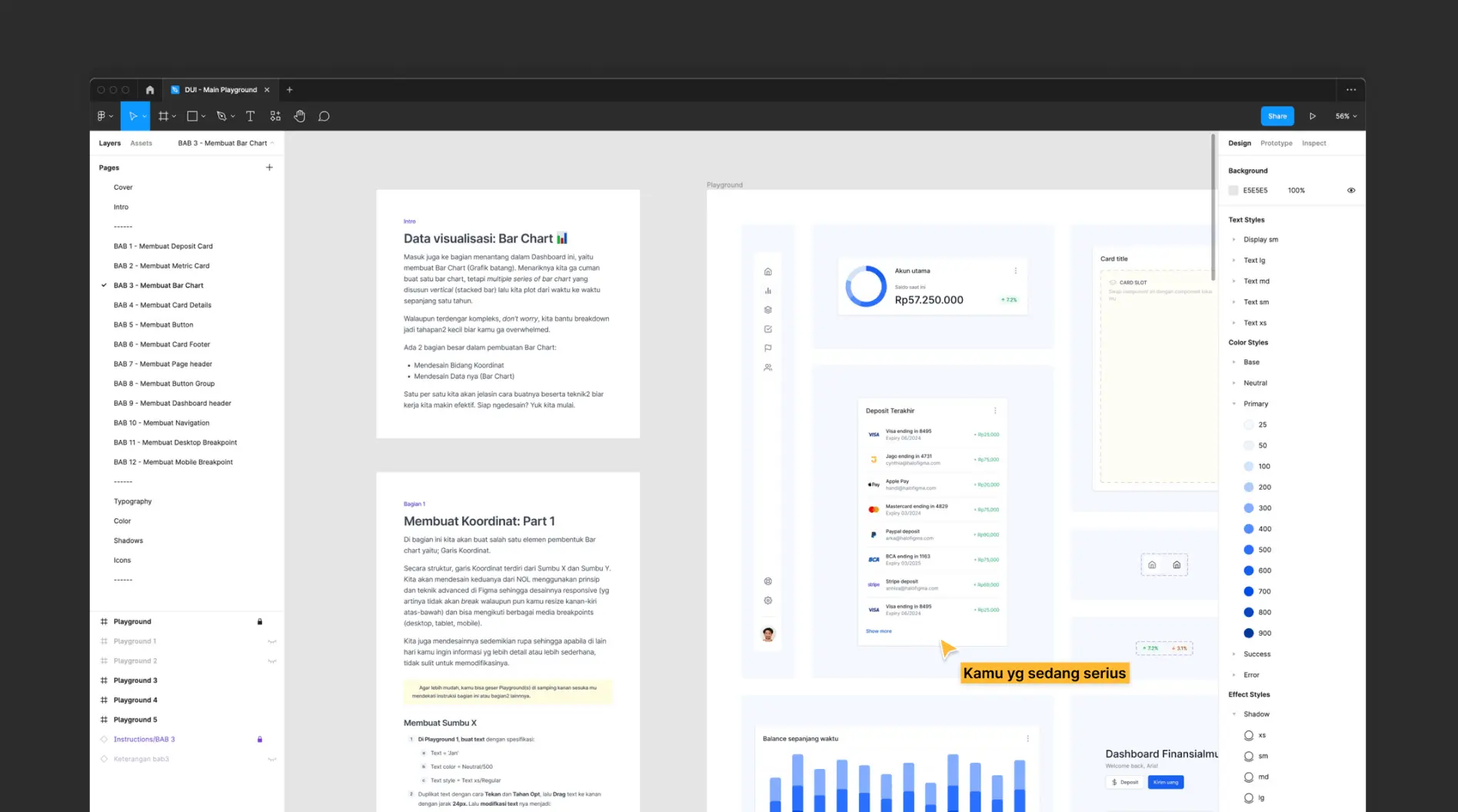

One of the most interesting insights during the development of the Tutorial Dashboard UI was how designers interacted with the tutorial’s modular components. Many users reported that the ability to mix and match elements allowed them to not only follow the tutorial but also to experiment with their own creative ideas, leading to the creation of entirely new dashboard layouts.
This flexibility became a key feature, reinforcing the importance of providing users with tools that empower creativity while still guiding them through the learning process. The positive feedback from users highlighted the success of this approach and inspired additional content focused on advanced customization techniques.
“ I prefer to learn in a practical format like this. I often find with video format I don't really learn as much as I do the practical work after finish watching the whole thing, not to mention I have to switch between different platforms to do the work #annoying”
Some testimonials from learners ecnourage us to do more work around this topic.